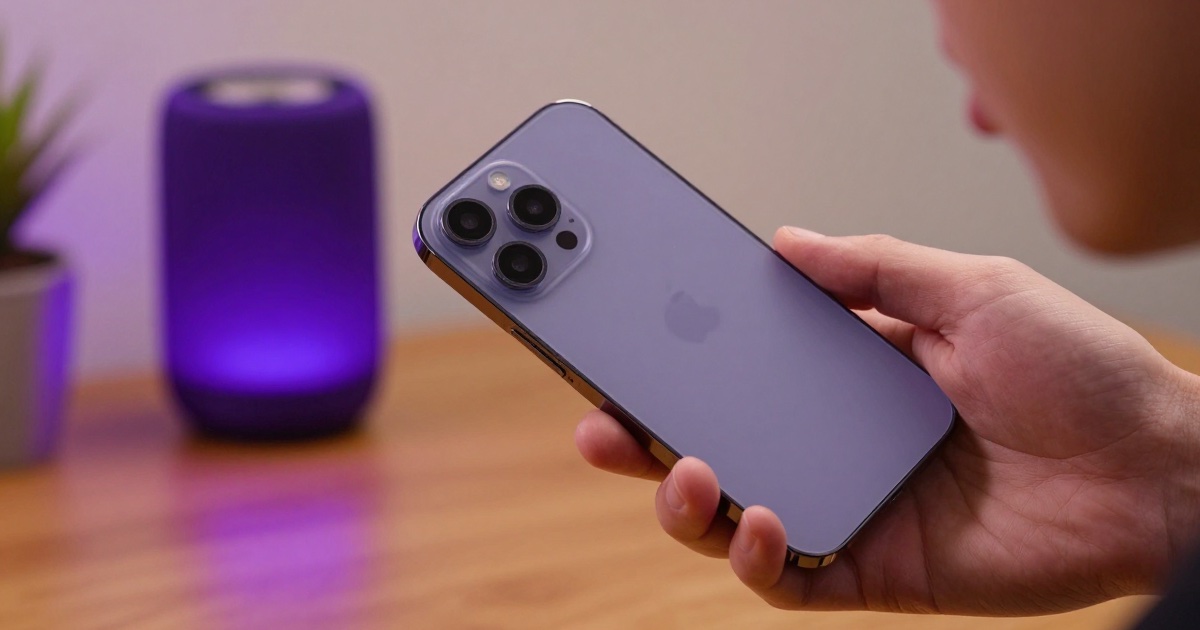
Your iPhone already has a great microphone built in. With the right app, it can also become a wireless Bluetooth microphone that streams your voice live to any speaker in the room — perfect for karaoke, events, announcements, or just being heard. Here’s how to set it up in under a minute.
What you need
- An iPhone running iOS 18.0 or later
- Any Bluetooth speaker (or an AirPlay speaker, HomePod, or Apple TV)
- A microphone app that streams live audio, like ShareMic
That’s it. No mixer, no cables, no dedicated microphone hardware.
Step 1: Connect your speaker
Open Settings → Bluetooth on your iPhone and pair your speaker, or pick an AirPlay device from Control Center. Once it’s connected, any audio from your phone will play through that speaker.
Step 2: Open your microphone app and go live
Launch ShareMic and tap the big microphone button. Your voice is now captured by the iPhone and routed straight to the connected speaker in real time. Speak or sing, and the whole room hears you.
For the best experience, keep the iPhone a comfortable distance from the speaker to avoid feedback. Apple’s Voice Isolation keeps room noise out of your voice, and if the iPhone’s own mic and speaker would be used together, ShareMic warns you about feedback, but a little distance always helps.
Step 3: Add effects (optional)
Want some fun? Switch on a real-time voice changer effect like Robot, Alien, autotune, or a hall reverb. Your transformed voice plays through the speaker live. (Voice effects are part of ShareMic Pro.)
Bluetooth vs. AirPlay: which is better?
Both work, but they behave a little differently:
- Bluetooth usually has lower latency, so your voice lands closer to real time. Best when timing matters — like singing along to a track.
- AirPlay can fill a room with richer sound through a HomePod or Apple TV, but may add a bit more delay depending on your Wi-Fi.
If you notice an echo or lag, switch to Bluetooth or move closer to your speaker.
Common questions
Does this record my voice? No — your live voice is streamed in real time, not saved. ShareMic Pro adds an optional recording feature, and anything you record stays on your device.
Do I need an account? No. ShareMic is free to download and works right out of the box.
Will it work with my smart TV? If your TV supports AirPlay, yes — select it as the output and your iPhone becomes the mic.
What if my voice doesn’t come out of the speaker? First make sure your iPhone’s microphone itself works. Our iPhone microphone test runs in your browser in about ten seconds and walks you through the fixes, from a blocked mic port to the wrong audio route or a denied permission.
Ready to try it?
Turning your iPhone into a Bluetooth microphone takes about thirty seconds. Download ShareMic free and make your voice heard on any speaker you already own.