Your iPhone as an AirPlay microphone
ShareMic isn't limited to Bluetooth. Stream your voice over AirPlay to your Apple TV, AirPlay 2 speakers, HomePod or a compatible smart TV — turning the biggest, best speakers in your home into your microphone output.
 ★★★★★Rated 4.2 ★ on the App Store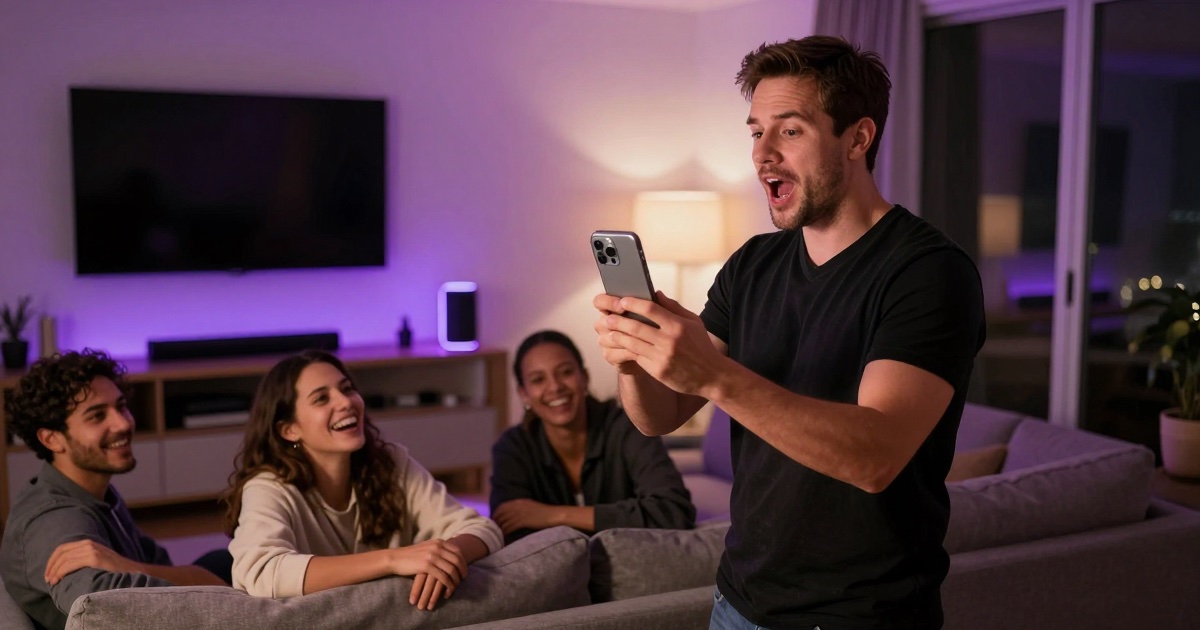
Send your voice to the big screen
Already singing karaoke on your TV? Route your voice through the same AirPlay device so the lyrics on screen and your live vocals come from one place. Perfect for living-room karaoke and game nights.
ShareMic vs Apple TV's built-in karaoke
Apple Music Sing on Apple TV turns your iPhone into a karaoke mic, but only for Apple Music songs, only on an Apple TV 4K, and only for singing. ShareMic works with audio from any app, streams to any AirPlay or Bluetooth speaker — no Apple TV required — and carries any voice, whether you're singing, announcing or hosting. Different job, fewer limits.
Bluetooth and AirPlay, your choice
Pick whichever output fits the moment: a quick Bluetooth speaker, or your home's AirPlay system for richer, room-filling sound. ShareMic supports both so you're never tied to one device.
A note on AirPlay latency
AirPlay can add more delay than Bluetooth depending on your network and device. For the lowest latency, Bluetooth is best; the app includes tips to help you get the most responsive setup over AirPlay.
How to set it up
- 01
Open Control Center
Choose your Apple TV, HomePod, AirPlay 2 speaker or smart TV as the output.
- 02
Launch ShareMic
With AirPlay selected, tap the mic to start streaming your voice.
- 03
Talk or sing
Your voice plays through the AirPlay device — your TV or speaker is now your mic.
Frequently asked questions
Can I use my iPhone as a microphone over AirPlay?⌄
Yes. ShareMic supports AirPlay, so you can stream your live voice to an Apple TV, HomePod, AirPlay 2 speaker or compatible smart TV.
Does ShareMic work with smart TVs?⌄
If your smart TV supports AirPlay, you can select it as the output and use your iPhone as the microphone. Many modern TVs from major brands include AirPlay.
Is AirPlay or Bluetooth better for low latency?⌄
Bluetooth usually has lower latency than AirPlay. AirPlay may add delay depending on your Wi‑Fi and device, so choose Bluetooth when timing is critical.
How is this different from Apple Music Sing on Apple TV?⌄
Apple Music Sing turns your iPhone into a karaoke mic only for Apple Music songs on an Apple TV 4K. ShareMic streams your voice to any AirPlay or Bluetooth speaker — no Apple TV or Apple Music needed — and works for singing, announcements or any audio.
Do I need an Apple TV to use it?⌄
No. ShareMic streams your voice to any AirPlay device — Apple TV, HomePod, AirPlay 2 speaker or compatible smart TV — and to any Bluetooth speaker too, so an Apple TV isn't required.
Why is my Apple TV karaoke mic delayed, and can ShareMic help?⌄
AirPlay adds some delay over Wi‑Fi, which is why karaoke mics on Apple TV can feel laggy. For the most responsive setup, connect a Bluetooth speaker instead — Bluetooth usually has lower latency than AirPlay.
More ways to use ShareMic
Put your voice on the big screen
Download ShareMic free and use AirPlay speakers and TVs as your mic.